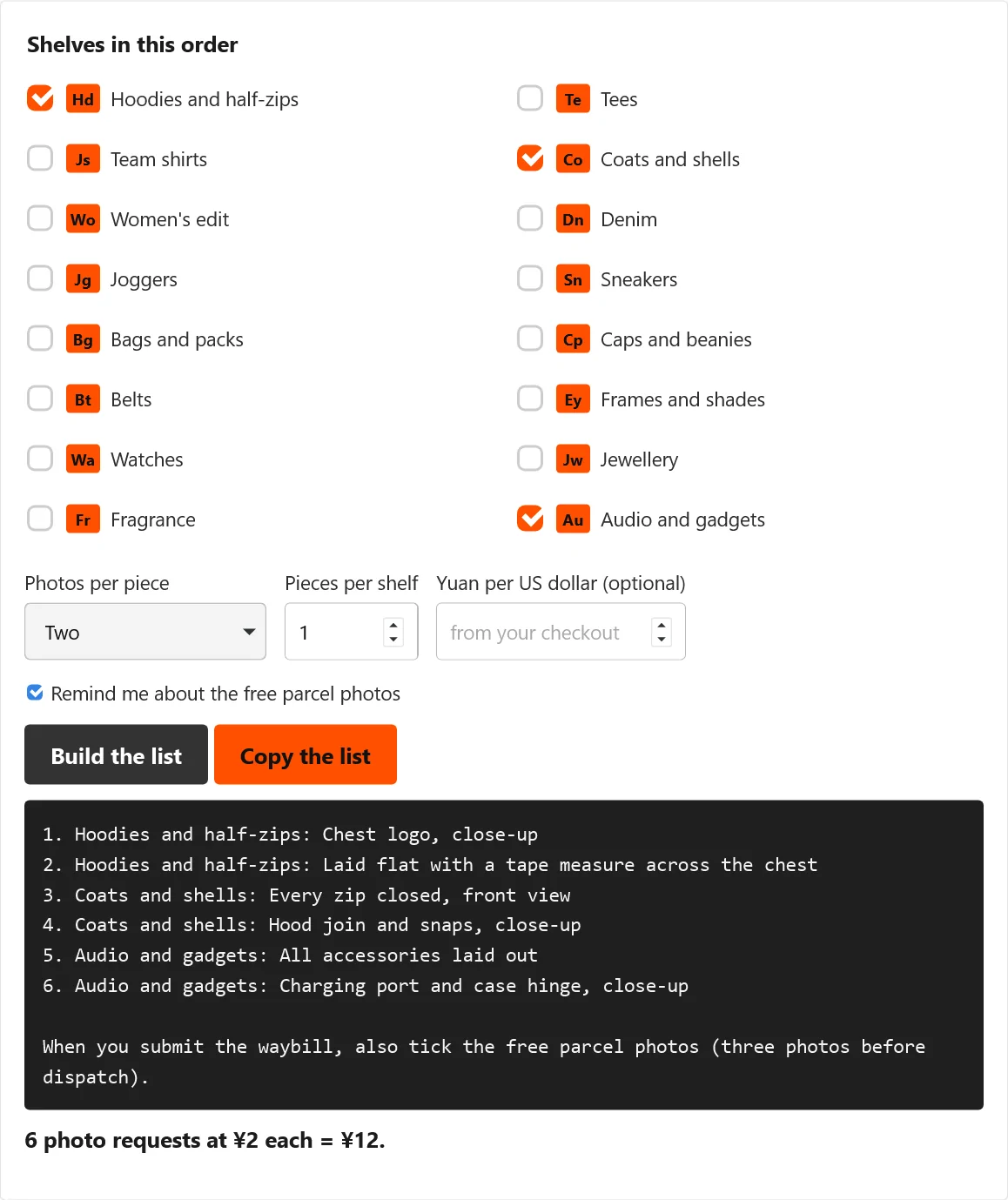
Photo request builder: draft the extra warehouse shots in advance
A small tool that turns the looks on this index into a list you can paste into your Kakobuy order.
Build the list
Tick each shelf you are ordering from, say how many pieces from that shelf, and choose one or two photos per piece. The builder writes the requests in plain English, counts them and prices them at ¥2 each, which is what Kakobuy lists for a personalised photo.
Input example: select Sneakers and Denim, enter one piece per shelf, and choose two photos per piece. That creates four requested photos at the tool’s dated ¥2 rate, or ¥8 before any different charge shown in your account. If you have different quantities on the two shelves, draft them separately or edit the copied list; the single pieces field applies to each selected shelf.
Using the builder well, and its limits
This is how to use the tool: build the list before you pay for the items, then paste it into the order remarks or into the personalised photo request once the items are in the warehouse. One line per photo makes it easy for warehouse staff to tick off. Kakobuy says personalised photos arrive within 24 hours.
For sneakers, “show the insole with a ruler from heel to toe” answers a fit question; another general side view may not. For denim, specify flat waist width or inseam length rather than asking staff to “check the size.” Compare the returned measurement with a garment that fits and keep the image attached to that order. The QC guide explains what photos cannot establish.
The suggestions are ours, taken from the looks on each leaf. Whether staff can do an unusual request, such as stretching a waistband or switching a device on, is up to them. If you type an exchange rate, the dollar figure uses it; otherwise only yuan are shown, because the rate you pay is set at Kakobuy's checkout. The tool runs entirely in your browser and sends nothing anywhere.
The same goes for the search box on the home page: type a product word and it searches the whole catalogue, beyond the 48 picks here.